Also available in: Română
The GARAN WooCommerce module brings guarantee information into your store
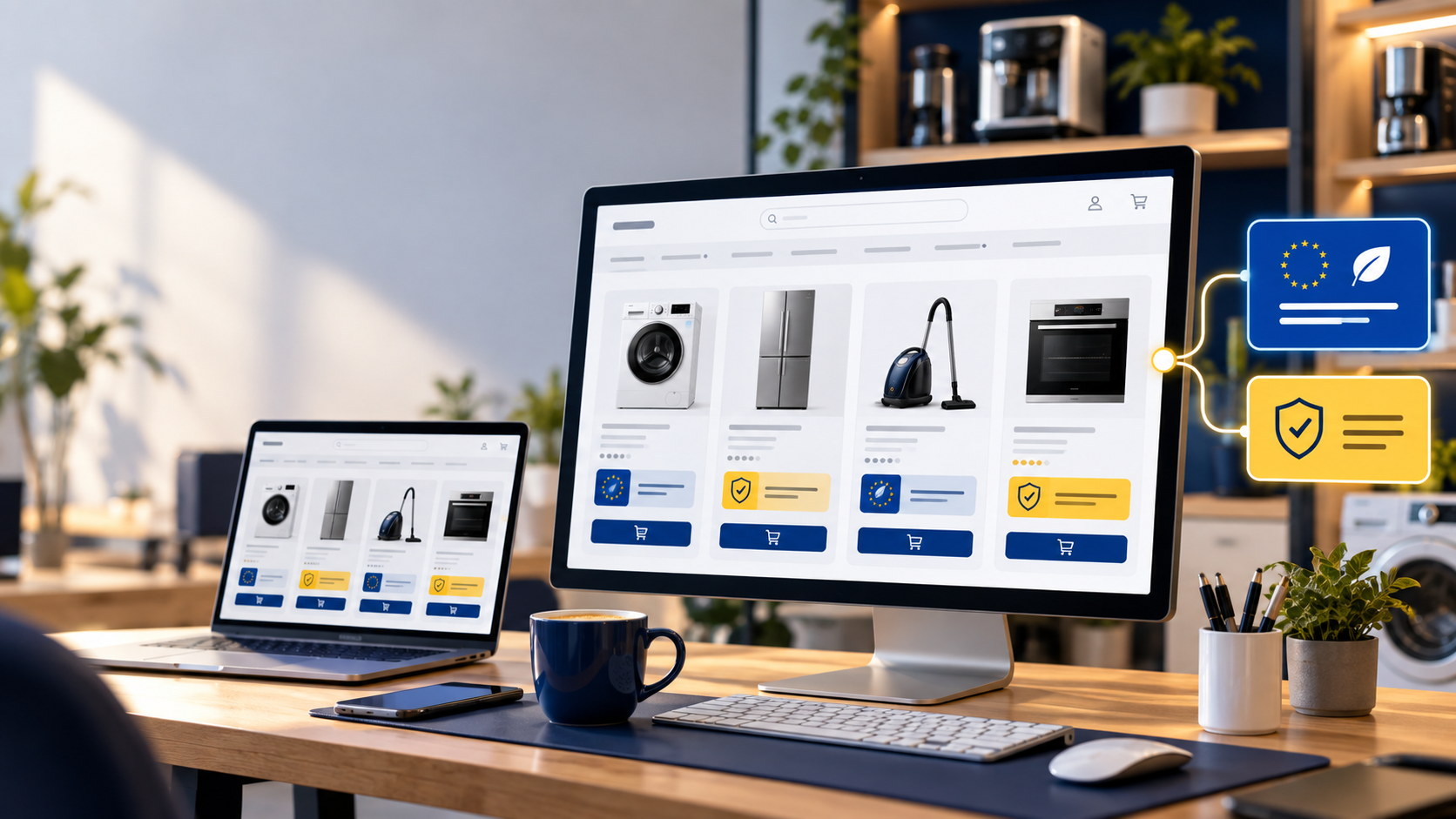
Your labels are ready, but are they showing on the right products? In a WooCommerce catalogue, the job does not end when you download the files. Products and variations change, and shoppers need to find the relevant information as they buy. The GARAN for WordPress / WooCommerce module connects your GARAN GENERATOR account to your store and helps display product labels alongside the EU legal guarantee notice. The European rules have applied since 27 September 2026. Now is a good time to check your catalogue and purchase journey, especially if you manage many models or receive labels from several suppliers. Here is what the module can automate and what to verify before you go live.
Two pieces of information with different purposes
The harmonised legal guarantee notice explains consumers' rights and provides general information in the store. The GARAN label relates to a product for which the manufacturer provides a commercial guarantee of durability for more than two years, covering the entire product, at no extra cost. Not every product in a catalogue needs a GARAN label. The module handles both kinds of display. For the general notice, it uses the European Commission's official files, which it downloads and updates automatically. The European guidance for traders explains the distinction between the notice and the label.
Match labels to the right products
After you connect your GARAN GENERATOR account, the module retrieves existing labels and matches them to products by brand and model. The model identifier can come from the SKU, an attribute or a custom field, depending on how your catalogue is organised. Variations with different models can have their own labels. The compact label appears near the price and opens on click, tap or hover to reveal the full label. The module can also show it on category pages, in the cart, at checkout and in the order confirmation email. The information can therefore accompany the product through more of the buying journey. If an eligible model lacks a label, you can create one from the WordPress interface, individually or in bulk. Each newly generated label uses one credit from your GARAN GENERATOR account. First check the brand, model identifier and duration against the manufacturer's documents: automatic matching does not determine whether a product legally qualifies.
Show the EU notice throughout the purchase journey
The module can display the legal guarantee notice across store pages, including the product page, cart, checkout and confirmation email. For each placement, you can choose a compact, expandable presentation or a full one; the link to the official page remains visible. The notice follows the page language through WPML or Polylang, or the site's language. The module omits virtual and downloadable products and allows categories to be excluded. Review these settings for your own catalogue and test the result on mobile.
Use labels supplied by your partners
You do not have to recreate every label you have received. Upload SVG, PNG or JPG files for an individual product or variation. For a larger catalogue, the module accepts a ZIP archive with filenames based on SKUs, with an optional CSV mapping file. Bulk actions in the product list let you set, remove, hide or create labels for selected products. This combination helps when one part of your catalogue is managed in GARAN GENERATOR and other models already have files supplied by a manufacturer or distributor. Keep track of each label's source and check periodically for changes to the duration or model.
Configure and check your WooCommerce store
The module lists support for classic and block themes, classic and block cart and checkout, WooCommerce HPOS, WPML and Polylang. Storefront text is available in 12 languages, and administration in Romanian and English. A practical rollout looks like this:
- Select qualifying models. Confirm the duration and whole-product coverage in the manufacturer's terms.
- Clean up your data. Check brand and model information in the chosen SKU, attribute or custom field; review variations separately.
- Connect the module and choose placements. Review notice and label locations, languages, excluded categories and compact or full display.
- Test a purchase. Check qualifying and non-qualifying products, a variation, category page, cart, checkout and email on desktop and phone.
- Check again after changes. Repeat the review when products, themes or guarantee terms change.
Move from prepared files to a checked storefront
A module reduces repeated work in synchronising and placing information, but the merchant must still verify product data and guarantee terms. If you already run a WooCommerce store, start with a few representative products, check the label matches, then expand the configuration across the catalogue. Explore the GARAN WooCommerce module and the options available in your GARAN GENERATOR account. Make guarantee information clear at each step of the purchase journey. Editorial sources: GARAN GENERATOR — compliance modules · Your Europe — the notice and GARAN label · European Commission — files and guidance.